 English
 French
 Monetization
 Invite Others & Get Paid

Stop Waiting, Start Building
Community |
2026-06-14 11:19:46

Check your 9jawap wallet area to learn more
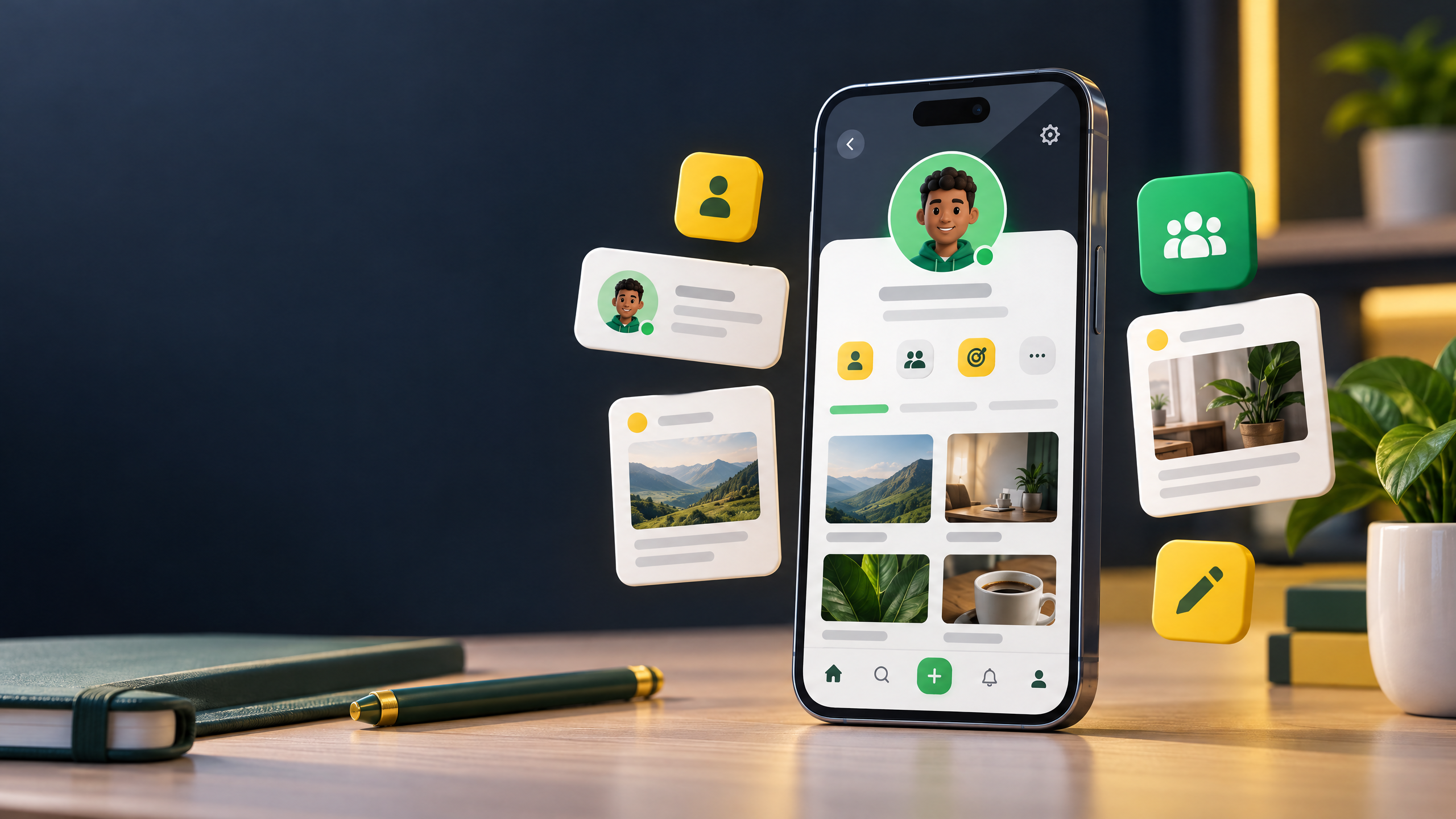
Your 9jawap profile is one of the first places people can learn about you after seeing your content. A clear profile helps visitors understand who you are, what you share and why they might want to connect.
You do not need a complicated design to make a good first impression. Start with this simple checklist.
Use a clear photo that people can recognize at a glance. If you are a creator, a friendly headshot can help make your profile feel personal. If you represent a business, choose an image that matches your public identity and is easy to associate with your brand.
Keep your bio concise and specific. Tell visitors what you create, what your business offers or what topics you care about. Avoid vague descriptions that leave people guessing.
Try this simple structure:
Use a name or username that people can remember and connect to your other public channels. Check your spelling and make sure your profile details are accurate. Consistency helps people recognize you when they see your posts or page elsewhere.
A personal profile is for you as an individual. If you are representing a business, organization or public brand, explore whether creating a 9jawap Page is the better fit. A Page can give people a dedicated place to learn about and follow that presence.
If your profile offers a place for links, use it to direct visitors to a relevant website, portfolio or business contact page. Make sure each link works and leads to a destination you trust. Avoid adding links that you would not want visitors to open.
After updating your profile, share a few useful posts that show what you are about. You might introduce yourself, explain what you create or offer a practical tip related to your interests. Respond respectfully when people engage, and take part in communities that are relevant to you.
Review your profile details from time to time. Do not publish sensitive information such as passwords, verification codes or private financial details. Before sharing personal information publicly, consider who may be able to see it.
A strong profile is not about looking perfect. It is about helping the right people understand you and making it easy for them to connect.
Visit 9jawap to review your profile and take your next step.